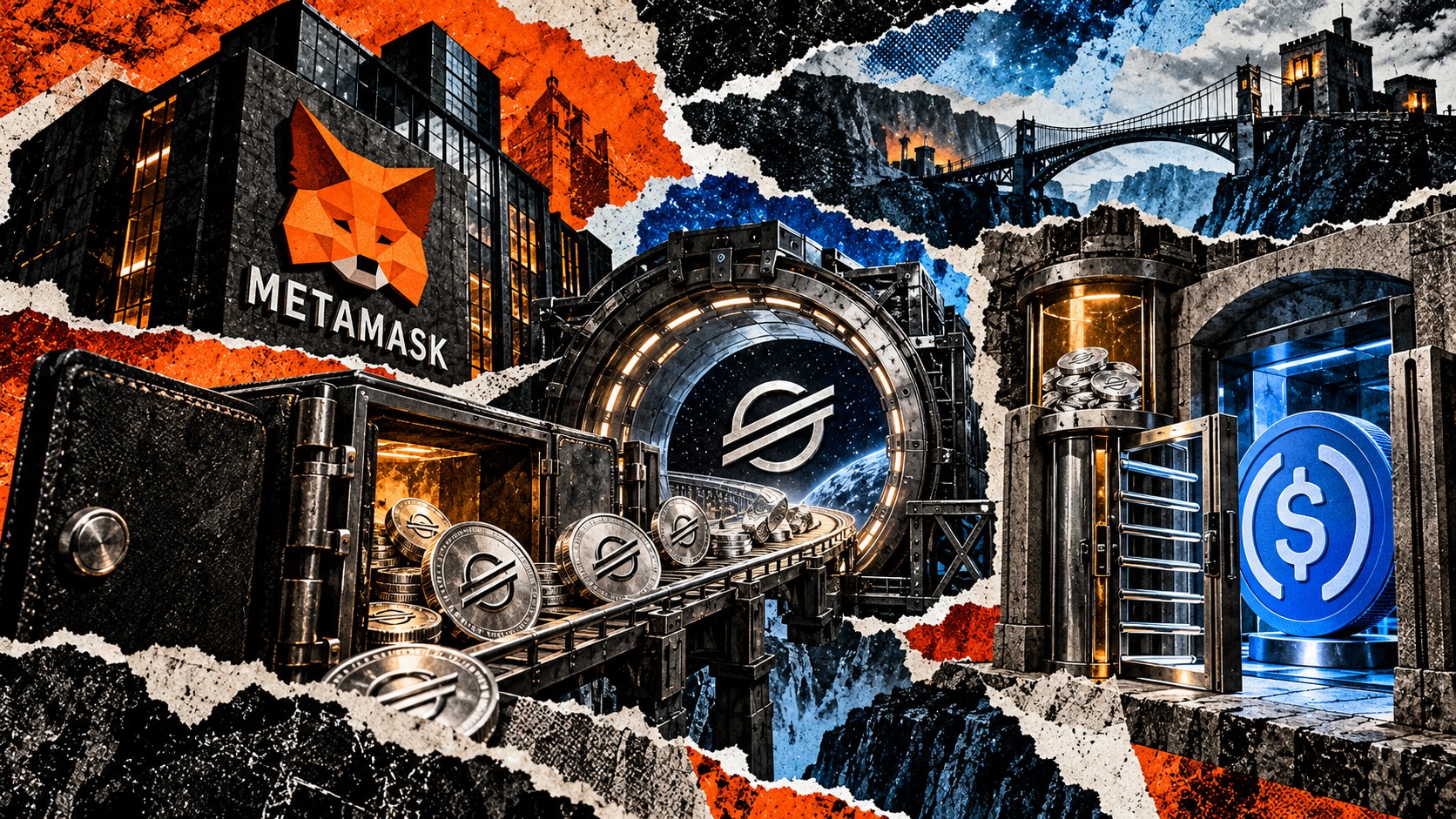
MetaMask added Stellar as a default network on Oct. 29, bringing the payments network to MetaMask Mobile and Extension and giving users a new route for stablecoin payments within the wallet.
Existing users receive a Stellar address derived from their recovery phrase inside their multichain accounts, according to the launch announcement. The addition places Stellar alongside assets on other networks in an account they already use.
Funding and token activation
MetaMask's documented flow requires a first deposit of at least 1 XLM for a new, unfunded Stellar address before it can receive assets such as USDC.
To prepare for USDC, users must open Manage Tokens, enable the desired token, open its entry marked Inactive, choose Activate, and confirm the transaction. Merely adding the token to the visible list does not complete activation.
Under Stellar's current reserve rules, an ordinary unsponsored account must maintain 1 XLM, plus another 0.5 XLM for each ordinary trustline. Other account entries can increase the minimum. Transaction fees also require spendable XLM above the reserve, and the locked balance remains in the account.
Stellar's network rules allow another account to sponsor these reserves, including the base account reserve. Users still need spendable XLM to complete activation because the reserve increase and network fee cannot come from the amount already locked, MetaMask said.
Bridge warning and ordinary sends
A swap between tokens already on Stellar can automatically create a trustline in MetaMask. For a cross-chain swap into a non-XLM token, MetaMask requires the receiving trustline to be activated manually first.
MetaMask says it prompts users before bridge confirmation and warns that bridged funds can be lost if the trustline is missing when they arrive.
That warning differs from an ordinary Stellar token send to a recipient without the required trustline. In that case, MetaMask says the send fails.