
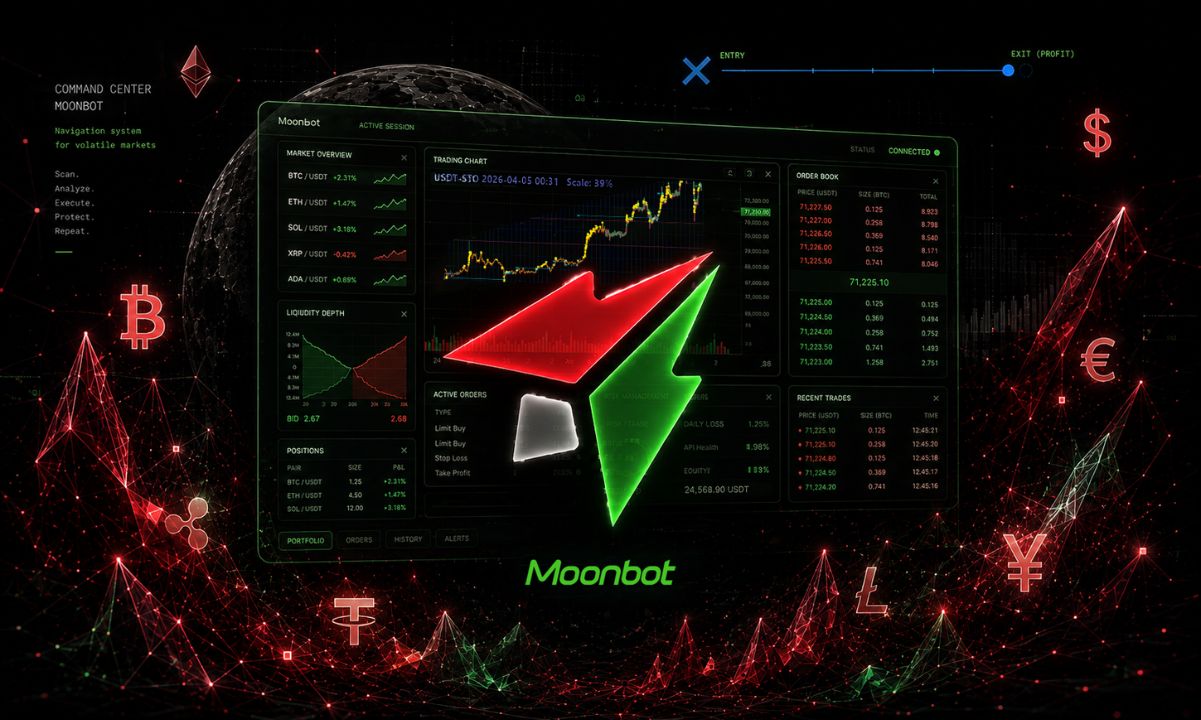
Moonbot is a cryptocurrency trading terminal designed to provide traders with enhanced speed, control, and automation compared to standard exchange interfaces. Rather than holding cryptocurrency itself, Moonbot connects to existing exchange accounts through API keys, allowing users to trade through its own interface with expanded capabilities.
The platform combines manual trading tools, market scanners, automated strategies, and external trading signals. This flexibility means it can be used in multiple ways: manual traders might use it to identify fast-moving coins and place orders quickly, while advanced traders can create automated strategies that monitor markets and execute trades when predefined conditions are met.
How Moonbot Operates
Moonbot is not an exchange—cryptocurrency remains in the user's exchange account at all times. The terminal connects to exchanges through an API, allowing it to receive market information, monitor prices, and send trading orders. Users can connect accounts from exchanges including Binance, HTX, Bybit, Gate, Bitget, OKX, and the perp-DEX Hyperliquid. Moonbot runs natively on 64-bit Windows; macOS users can access it through a virtual machine such as Parallels. A downloadable demo version allows experimentation without real orders.
Manual Trading Features
Moonbot's manual trading interface is designed to reduce the number of actions required to place and manage orders. The platform supports market and limit orders, stop-loss orders, take-profit orders, trailing stops, grid-style orders, and direct order adjustment from the trading window. API-connected order execution operates in milliseconds from click to placement, though real-world execution depends on factors including internet connection quality, server location, network latency, and exchange performance.
The terminal functions as a market-monitoring workstation, displaying candlestick charts and tick charts that show individual trades. Recent updates allow traders to switch between or combine tick and candlestick views. The interface displays prices, volumes, order books, and recent market movements.
Detects and Market Monitoring
Moonbot's detect system continuously watches the market for specific conditions and alerts traders when they occur. A detect can monitor for price movement, trading volume changes, market volatility, number of trades, and recent price activity across different time intervals. Detects can be configured to simply identify opportunities and produce alerts, leaving buy or sell decisions to the trader, or they can trigger automated trading actions.
Automated Trading Strategies
The platform allows creation of fully automated strategies that execute without manual intervention. Moonbot includes over 20 pre-built strategies and more than 300 configurable parameters. Users can define conditions for buying and selling, including price and volume patterns, and configure automatic take-profit targets and stop-loss levels. Moonbot separates manual and automatic behavior through operating modes: in Manual mode, strategies generate detections without executing orders; automatic mode enables autonomous execution.
Third-Party Integrations
Moonbot integrates with TradingView and Telegram. TradingView alerts can send commands to Moonbot using webhooks. Telegram integration allows monitoring of trading signals from groups and channels, which can open markets for inspection or trigger automatic trades depending on configuration. Telegram also functions as a remote control, enabling users to start and stop the terminal, cancel orders, request open order lists, and adjust settings from a private group, with notifications and trade reports returned to the same chat.
Security Considerations
Moonbot stores API credentials locally in encrypted form and does not transmit the API Secret over the internet. The platform recommends restricting API permissions and specifically advises against enabling cryptocurrency withdrawal permission on exchange API keys, as the terminal does not require it to execute trades.
Additional Features
MoonShot orders allow traders to place buy orders at a configurable distance below the current market price, continuously moving them as prices change. For Hyperliquid users, Moonbot provides a Watcher to monitor large trader activity in real time. The platform supports both spot and futures trading.
Pricing and Suitability
Moonbot offers a free version with real spot and futures trading on USD and stablecoin pairs (up to 30 active orders) and a PRO version sold as a one-time lifetime license. Some modules can be activated with MoonCredits. The platform suits traders seeking more control than standard exchange interfaces provide, including manual scalpers, semi-automated traders, and algorithmic traders. While beginners can use Moonbot, its numerous settings may present a learning curve; the official website provides educational materials and the Demo mode allows risk-free practice.